
Free Boxing Round Timer for iPhone
YOUR ROUNDS.YOUR PACE.YOUR TIMER.
Set the rounds. Set the work. Set the rest. Hit start.
ATLAS PI includes a free boxing round timer inside Fight Lab on iPhone. Choose your round count, work duration and rest interval. No account required. Download the app to use the timer; this page is a setup guide, not a running browser timer.
Opens the App Store · iPhone · Free Guest Fight Lab
01 / Set it
How to set up your boxing round timer
- Open ATLAS PI → Fight Lab → Round Timer. You can use Guest Fight Lab without creating an account.
- Choose your rounds. Match the count to the session you planned with your coach.
- Set the round and rest durations. Check both before you put your gloves on.
- Check your cues, then start. Test the sound at a comfortable volume in your training space before the session.
A timer organizes time. It does not choose the right intensity, technique or workload for you.
02 / Check it
Know what you are setting.
Illustrative settings—not a workout prescription
That is 12 minutes of work. A round timer separates the work from the rest so you do not have to restart a single countdown for every interval. Use your coach’s timings for bag work, pads or supervised sparring.
Preparing for competition? Check your event’s rules and your coach’s session plan. One round format does not fit every bout or training session.
03 / See it
The round stays in view.
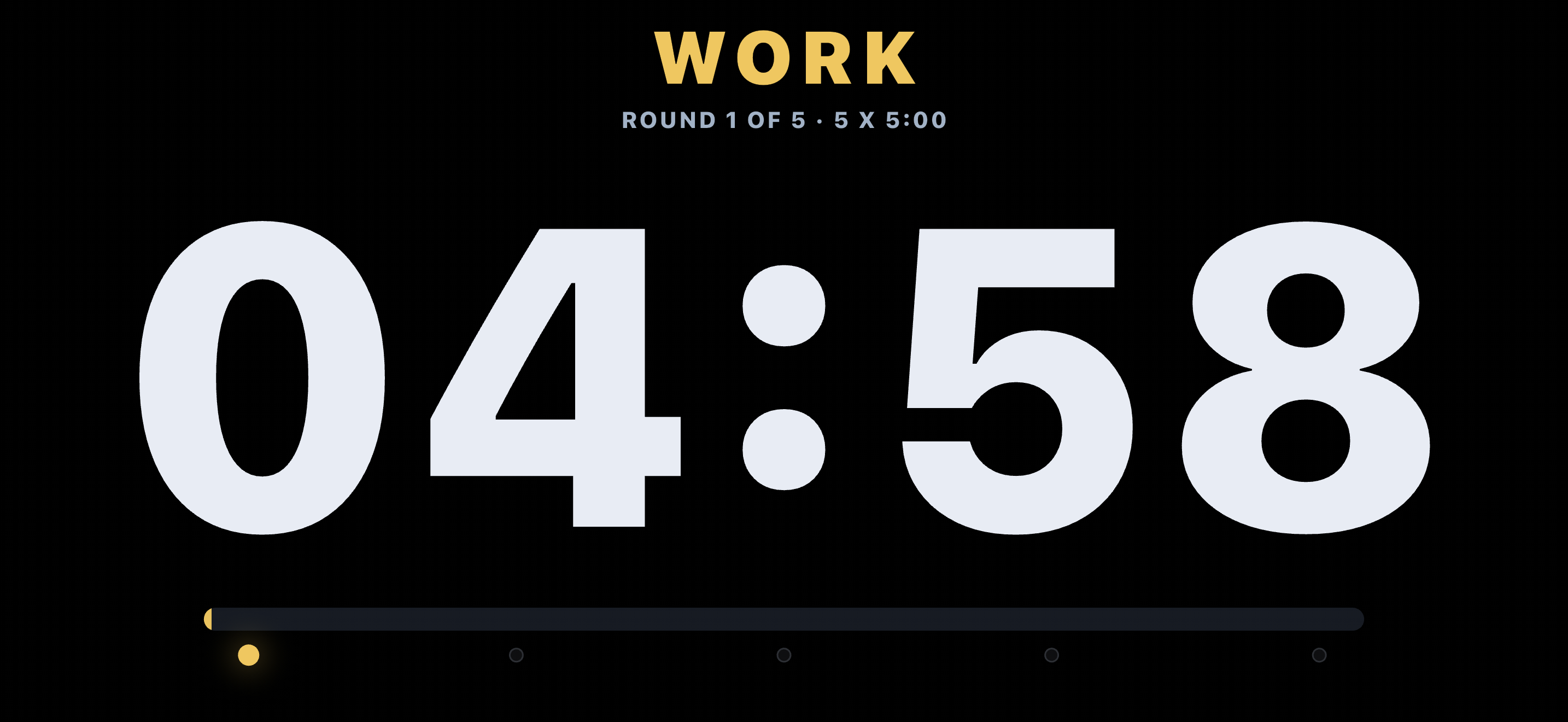
04 / Free means useful
THE TIMER IS FREE. THE FIGHT LAB GOES FURTHER.
The Round Timer is one of four free Guest Fight Lab tools. There is no account requirement to use them.
- Round Timer
- Structure work and rest.
- Up-to-six-lane Chronometer
- Time multiple lanes.
- Push Pace Metronome
- Use rhythm cues for pace work.
- VO₂ field-test estimate
- Estimate aerobic capacity using a field-test protocol—not a laboratory measurement or medical assessment.
Want to understand why the setup matters after the timer stops? Read how to keep the protocol with the result.
The connected ATLAS story
THE BELL STARTS THE ROUND. ATLAS HELPS WITH EVERYTHING AROUND IT.
Before the bell, decide what the session is for. After it, record what actually happened. Before the next session, look at the plan and the recovery context—not just the clock.
Optional ATLAS PI Premium connects Training and camp planning with recovery, weight and nutrition context, and opponent preparation. The timer remains free; those connected preparation features require Premium.
Compare free Fight Lab and Premium when you are ready. You do not need Premium to start your rounds.
Before you go.
Is the boxing timer free?
Yes. The Round Timer is part of free Guest Fight Lab in ATLAS PI. No account or Premium subscription is required for the timer.
Can I use it in this browser?
No. This is the guide to the iPhone app. Use the App Store link to download ATLAS PI, then open Fight Lab.
Can I change the round and rest times?
Yes. Choose the work duration, rest interval and round count for your session.
Is ATLAS PI available for Android?
This page is for the iPhone app. It does not offer an Android download.