
Fight Camp Planner App: What to Look For
MORE FEATURES?OR FEWER LOOSE ENDS?
Choose the tool around the preparation problem—not the longest feature list.
A fight-camp planner app should help you understand what is planned, what actually happened and what needs review next. Start by naming the problem your current calendar or notes cannot solve. Then check setup requirements, your control over changes and sharing, and whether the useful workflow is free or paid.
01 / Pick the job
Calendar, training log or connected planner?
| Main problem | Start with | Check before adding software |
|---|---|---|
| I forget when class starts. | Your calendar | Can the existing timetable solve this? |
| I cannot remember what I actually did. | A brief training log | Will you record and reread it? |
| My notes do not inform the next week. | A review routine | What question should the record help answer? |
| Preparation context is scattered across places. | A connected planner | Does it make the next decision clearer? |
Use what you already have if it solves the problem. A new app should remove a real point of friction, not create a second calendar you have to maintain.
02 / Test the workflow
Follow one session. Not a feature tour.
Use a real, non-sensitive example from your own training to assess a tool. Do not assume a capability exists because the app calls itself a planner.
- Find the plan. Can you understand the session and its purpose without reconstructing several notes?
- Record a change. Can the record distinguish planned work from work that was partial or skipped?
- Review the context. Can you find the information needed for the next conversation without treating a score as a complete answer?
- Check who decides. Does the tool clearly distinguish a suggestion from an applied change?
- Check access and sharing. What requires an account, a subscription or an active camp? What can a coach see, and what can you keep private?
- Check the purchase boundary. Read the current subscription information before buying. A free download does not mean every workflow is free.
These are evaluation questions, not claims that every app has the same features. A product that is wrong for your job may still be useful for someone else’s.
03 / The ATLAS fit
The value is the connection. Here is what that means in ATLAS.
ATLAS PI Premium connects Training and camp planning with recovery, weight/nutrition and opponent-preparation context. Training records Completed, Partial or Skipped work. Camp Architect proposes plans and revisions for user review before application.
That supports a simple sequence: see the plan, record what happened, review the context, decide what comes next. It is not a promise that the app automatically coaches technique or chooses the correct workload.
Setup matters. These connected workflows require an account and Premium. Camp Journal also requires an active camp; personal reflections remain private, while camp reflections can be shared with permitted coaches.
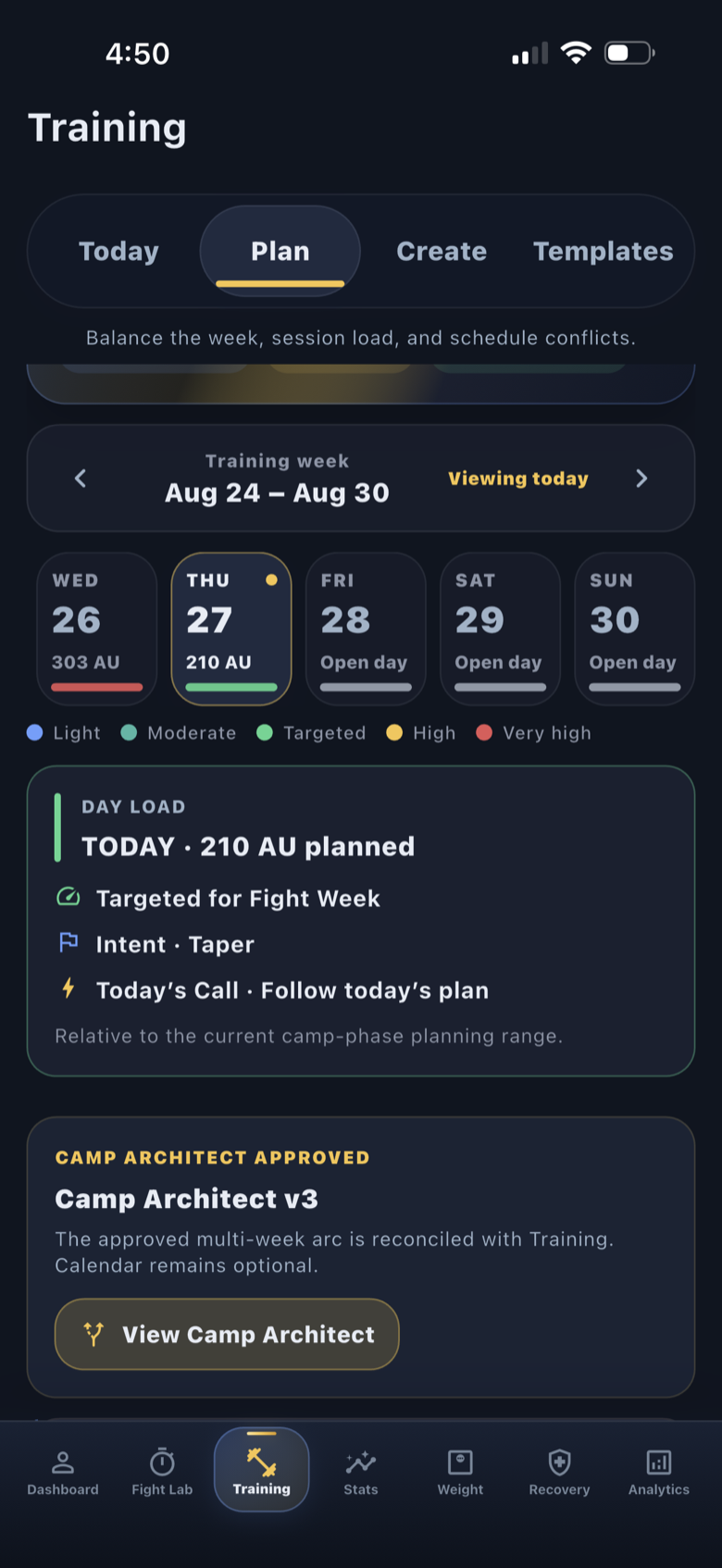
See what is free and what requires Premium before you decide.
04 / Know the boundary
A planner is not every kind of combat-sports app.
If you need a technique course, automatic sparring-video correction, a wrestling tournament score sheet or medical clearance, this guide does not present ATLAS as that solution. It is available for iPhone; this page does not offer an Android app.
If you only need a round timer, start with the free Guest Fight Lab timer. It needs no account. You do not have to subscribe to Premium to time a session.
If you are still defining the camp, complete the planning checklist first. Software cannot connect decisions that have not yet been made.
05 / Make the decision
Keep the tool that makes the next step clearer.
After exploring a planner, finish this sentence: “This helps me ______ before my next session or review.”
If the answer is only “it has a lot of features,” return to the problem. If you can identify a useful record, a clearer question or a less fragmented review, you have a concrete reason to consider it.
ATLAS’s point of view is connected preparation. The decision to use it should still be yours.
Before you go.
Is a fight-camp planner useful without a booked fight?
Weekly planning and training records can be useful outside camp. ATLAS Camp Journal specifically requires an active camp and Premium.
Is ATLAS PI free?
The iPhone download and Guest Fight Lab tools are free. Connected Training and camp-planning workflows require an account and Premium. Review the current App Store subscription information before purchasing.
Does the app replace my coach?
No. It organizes preparation and proposes plans for review; technical coaching and individualized decisions remain with the appropriate people.
When is a calendar enough?
If your main problem is remembering session times and your current calendar handles that well, keep using it. Consider a different tool when recording actual work or bringing preparation context together is the problem you need to solve.